The AI design studio

From sketch to shelf.
One workflow.

Other tools generate images. Kenna chains them. Sketch, render, extract, pattern, apply, relight, done. Every output becomes the next input. Never leave the studio.

CAD → rendered → recolored, in Kenna

19 purpose-built toolsOne connected workflow — zero re-uploadsFirst render free — no card requiredPlugins for Illustrator & Photoshop

Every category. Production-grade.

Purpose-tuned for garments, fabrics, and products — not generic AI. Pick your lane.
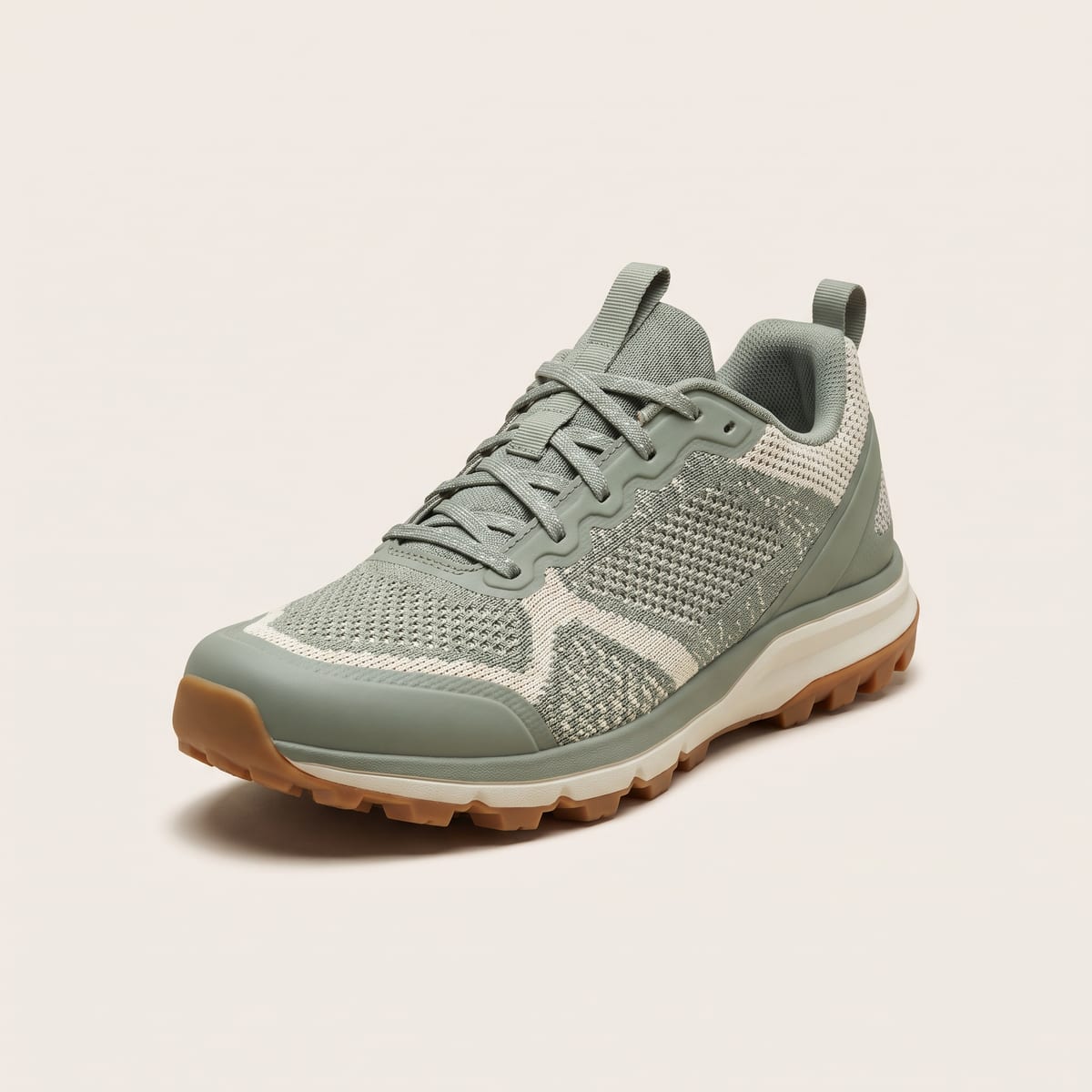
Knit trail sneaker render — footwear design in Kenna
Footwear

Sneakers to sample-ready

Sketch to photoreal renders, colorways in seconds, multi-view angles for the factory. Skip two sample rounds.
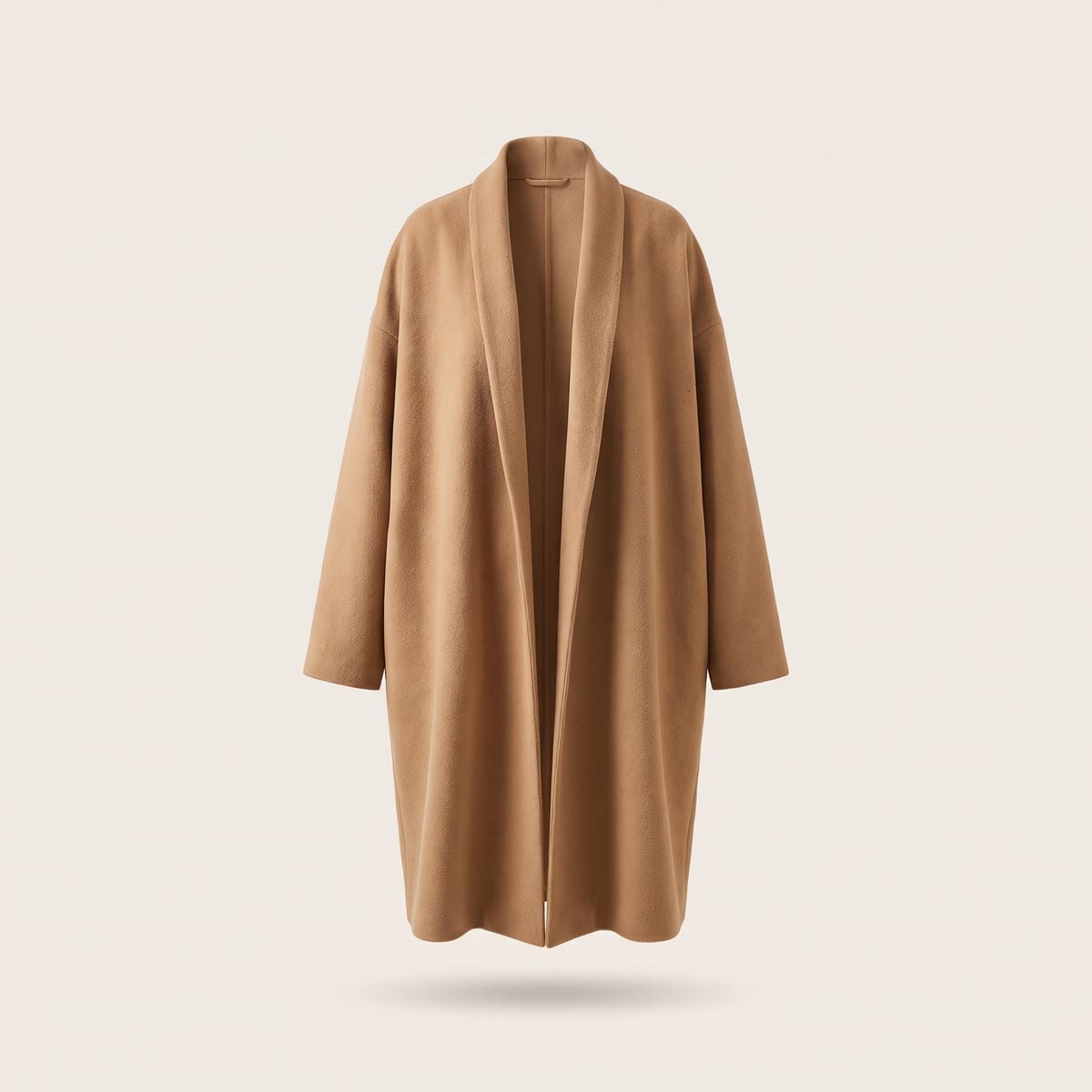
Camel wool overcoat render — apparel design in Kenna
Apparel

Ready-to-wear, faster

Render flats into finished garments, swap fabrics and prints, and show every SKU on a model — before cutting a yard.
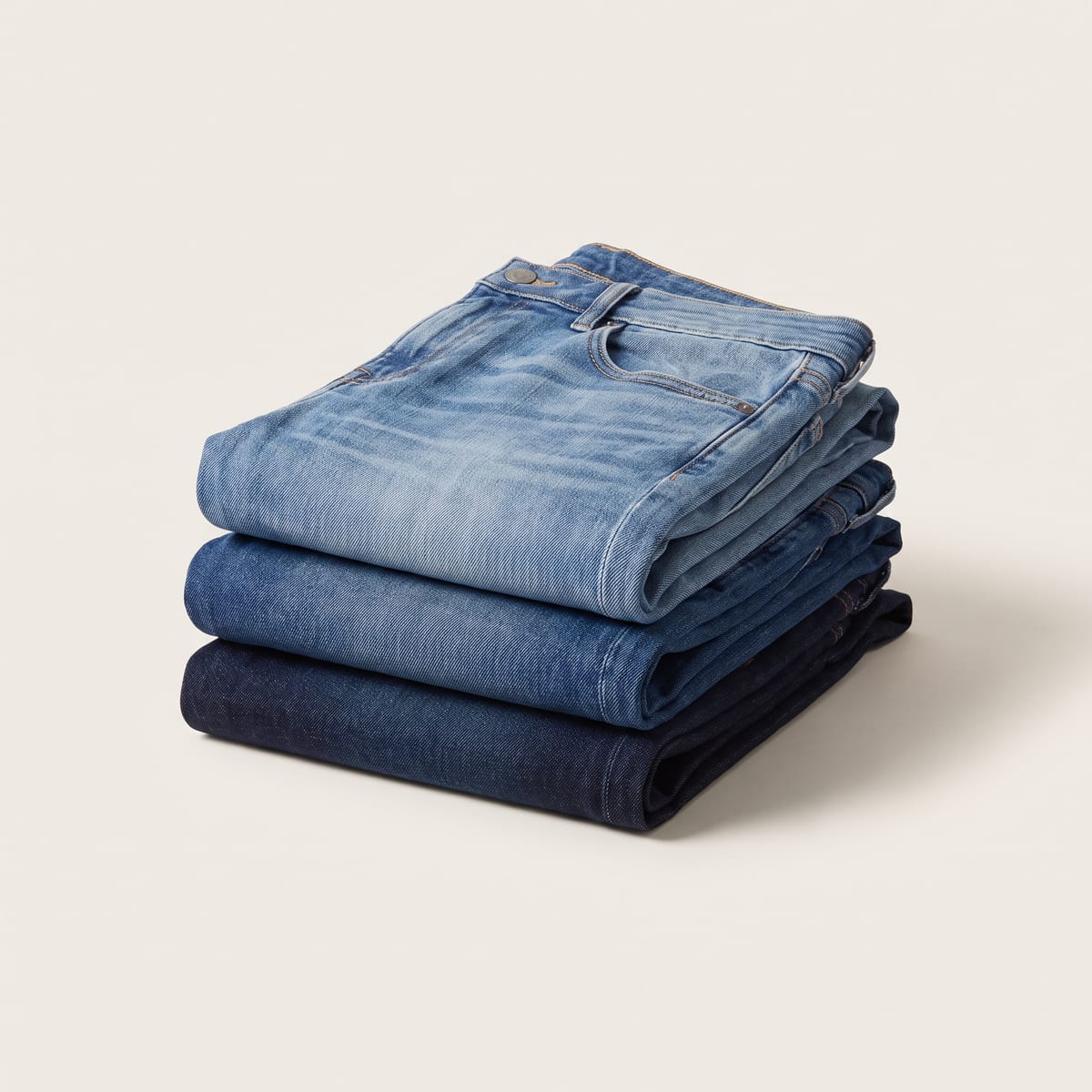
Stacked denim washes render — denim design in Kenna
Denim

Washes without the laundry

Preview washes, distressing, and hardware on the same fit block. Line-review a full wash range in an afternoon.
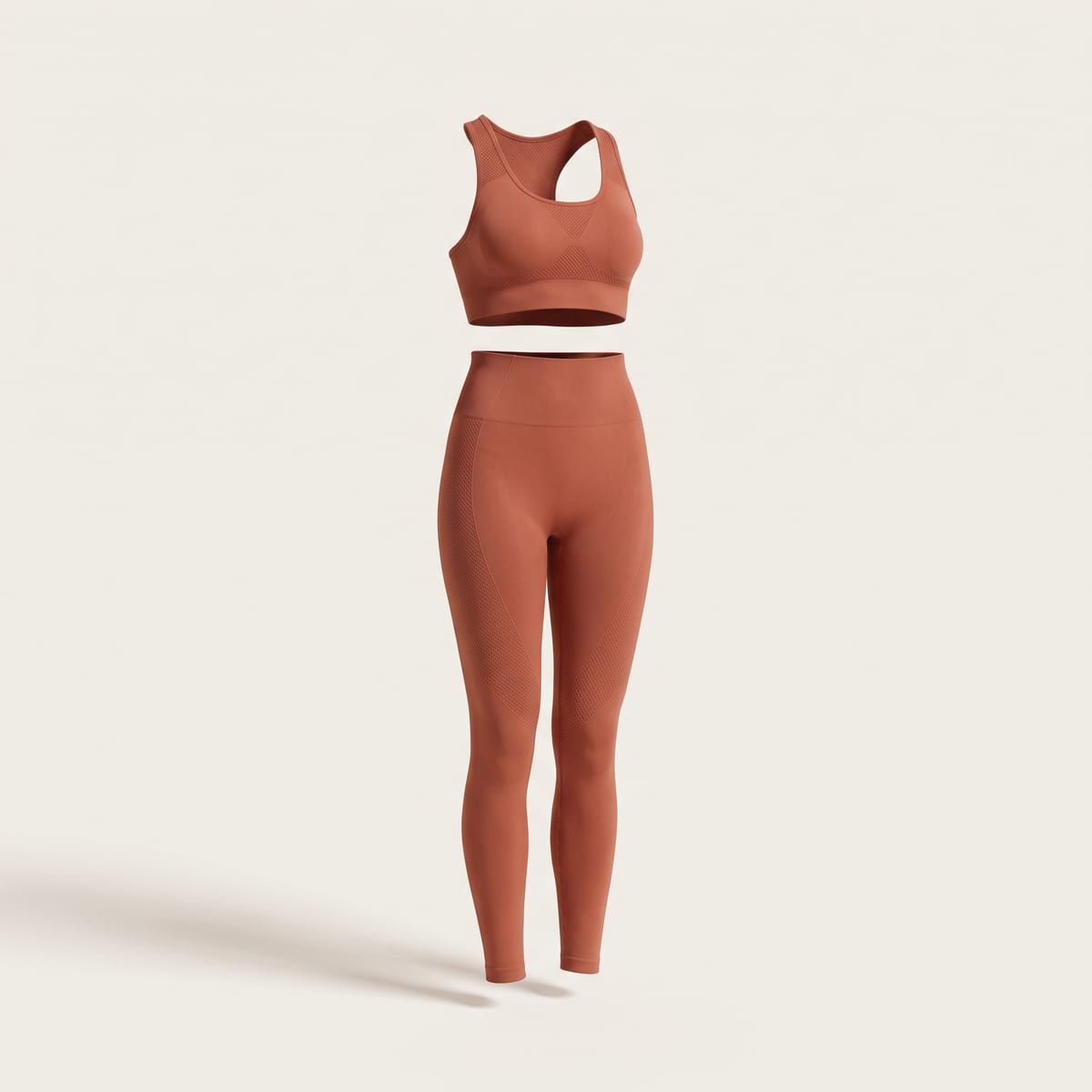
Seamless activewear set render — activewear design in Kenna
Activewear

Technical, in every colorway

Seamless prints on performance silhouettes, engineered placements, and instant colorway matrices for the whole capsule.
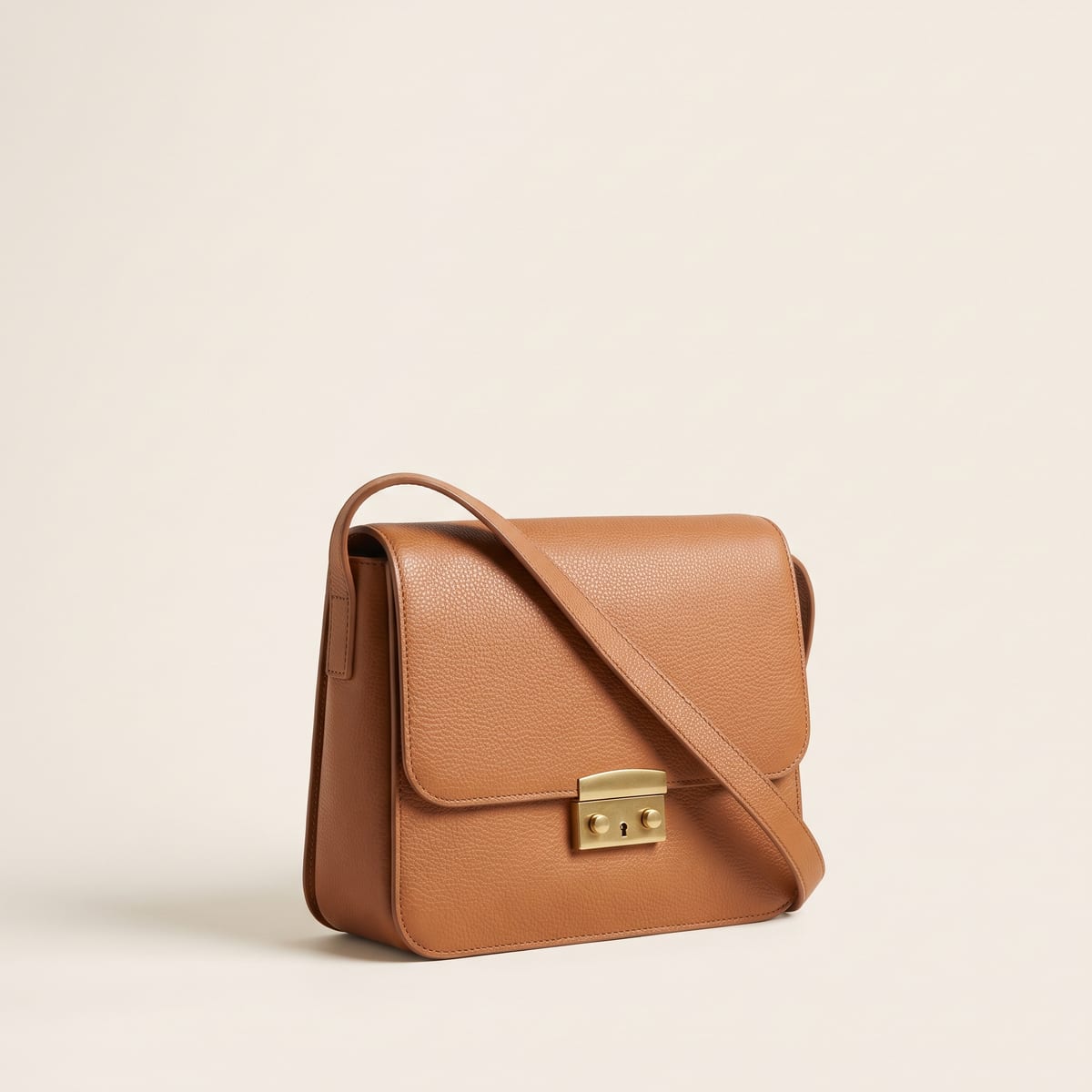
Tan leather crossbody bag render — accessories design in Kenna
Bags & Accessories

Materials that read real

Leathers, hardware, and trims rendered true to material — then packaging and die lines from the same file.
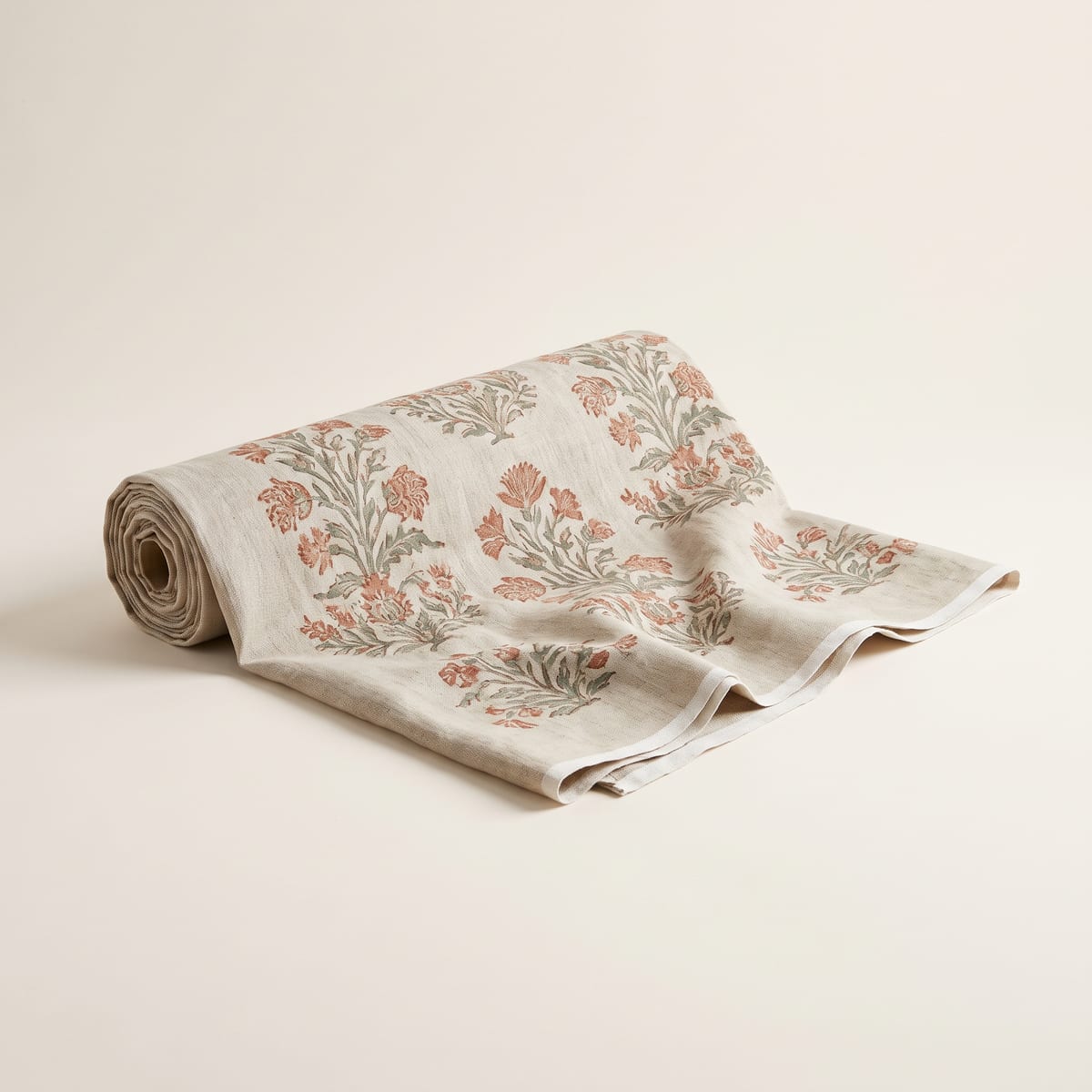
Block-printed linen bolt render — print and pattern design in Kenna
Prints & Home Textiles

Patterns at production scale

Generate seamless repeats, recolor to exact hex and Pantone, and export vector-ready artwork for the mill.

How design teams run on Kenna

From line planning to buyer meetings to factory handoff — the whole team in one studio.

Boards — the collaborative canvas. Live cursors, comments, and one-click pipeline runs.

Line planning

Build the line before the samples exist

Apply one print across every body in the range. Generate the colorway matrix for the whole capsule. Walk into line review with a full visual line sheet — weeks before proto samples land.
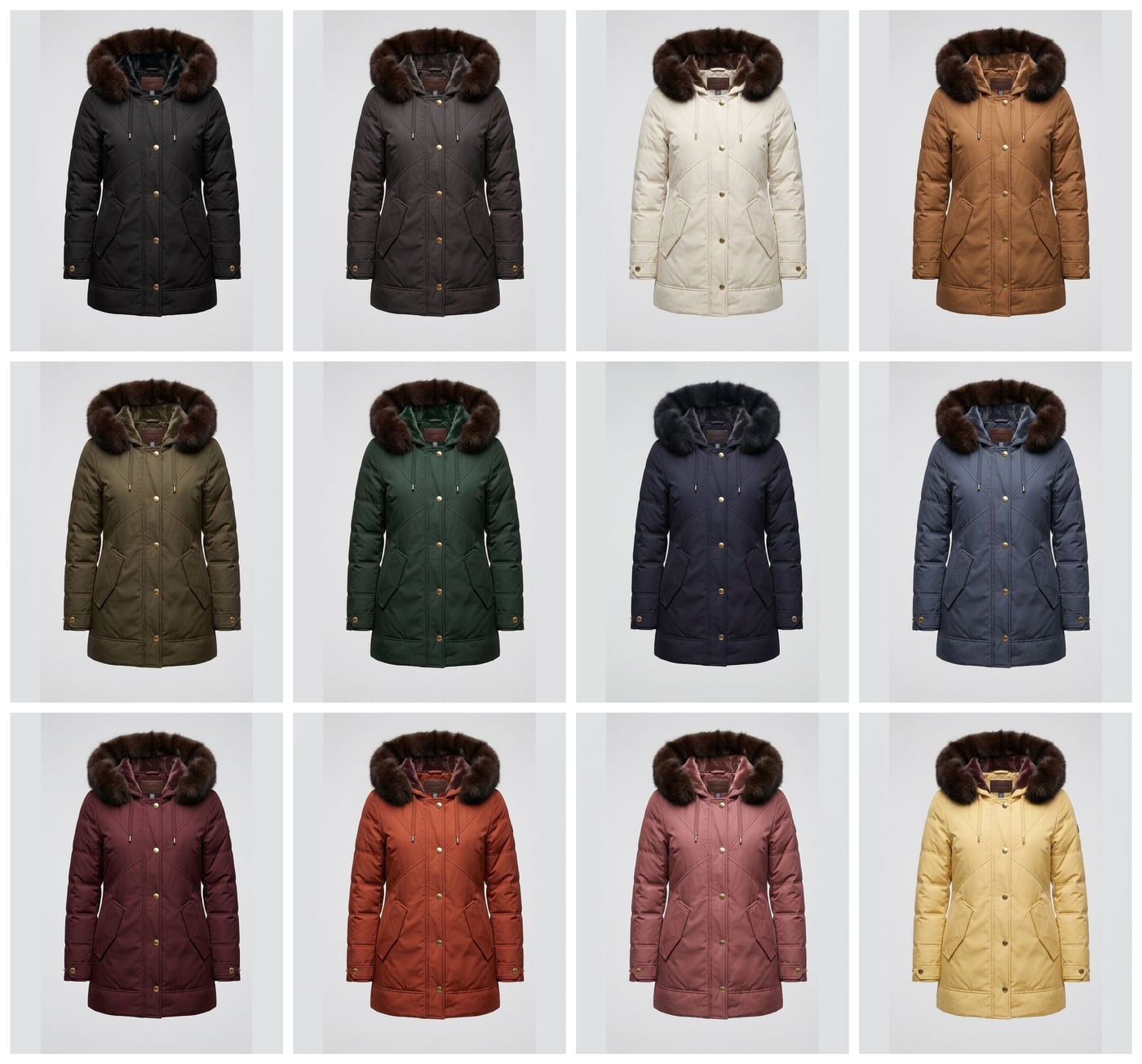
Colorway line sheet: the same parka rendered in twelve colorways, from black and ecru to burgundy and butter yellow

Buyer meetings

Revisions while the buyer is still in the room

“Can I see it in navy? With the floral?” Recolor, swap the pattern, and show it on a model in under a minute. Close on the spot instead of following up next week.
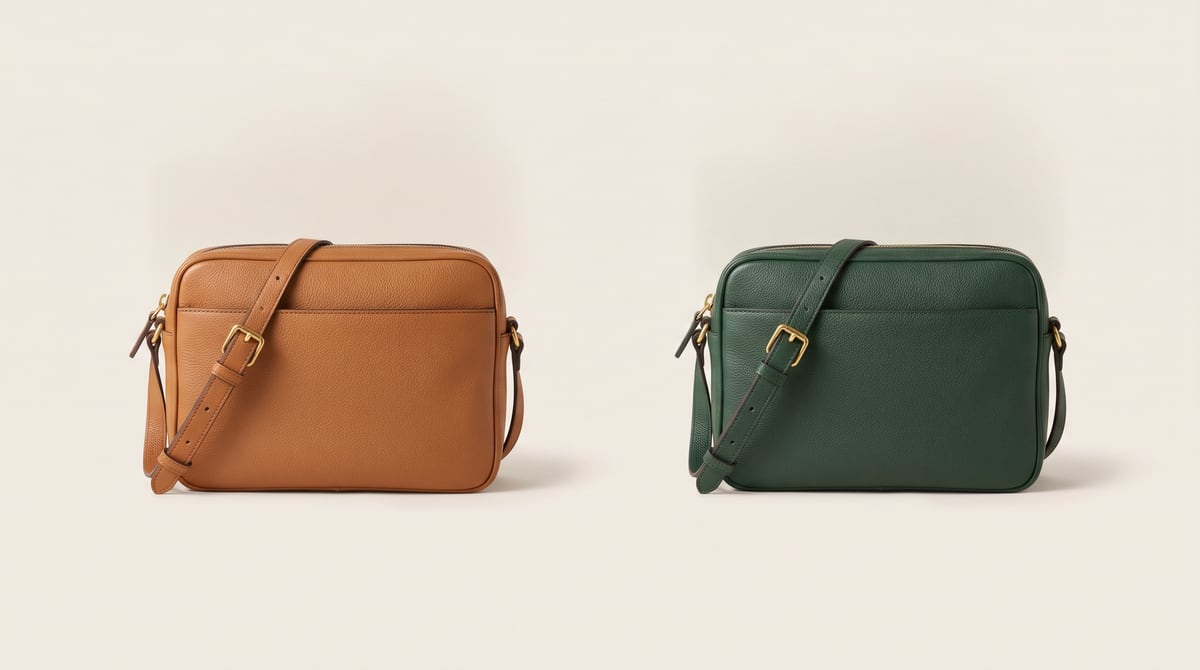
The same crossbody bag shown in tan and forest green — two colorway options for a buyer

Design-to-production

One file from concept to factory

Multi-view renders, extracted assets, die lines, and packaging mockups from the same source design. Precision Recolor holds exact hex and Pantone — what the mill gets is what you approved.
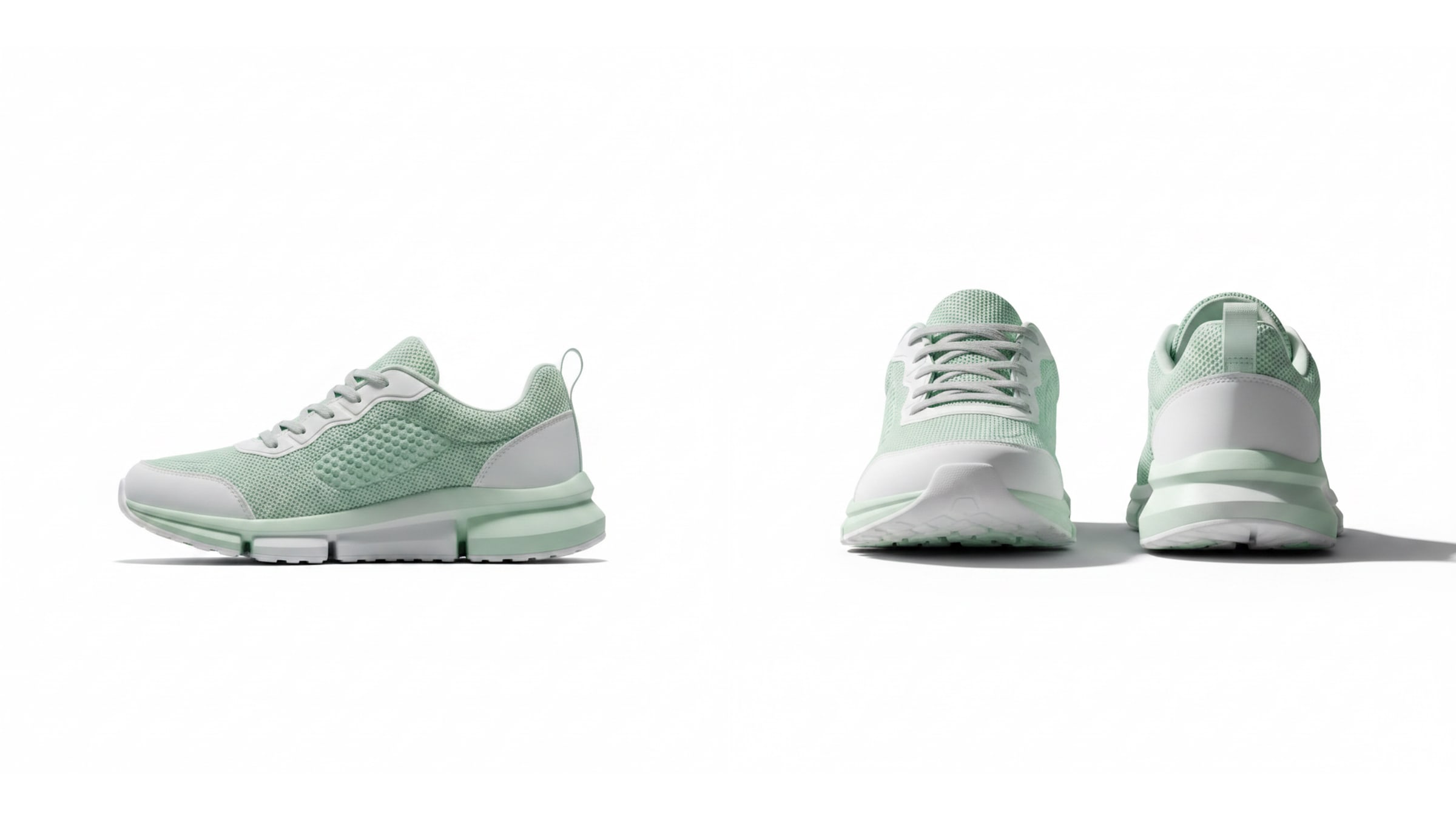
Multiple Angles output: one sneaker rendered in side view and front-and-back views

Adobe integration

Kenna lives in Illustrator and Photoshop too

Select artwork on your artboard and render it photorealistically without leaving Adobe. Results land straight back in your working file — no exports, no re-uploads.
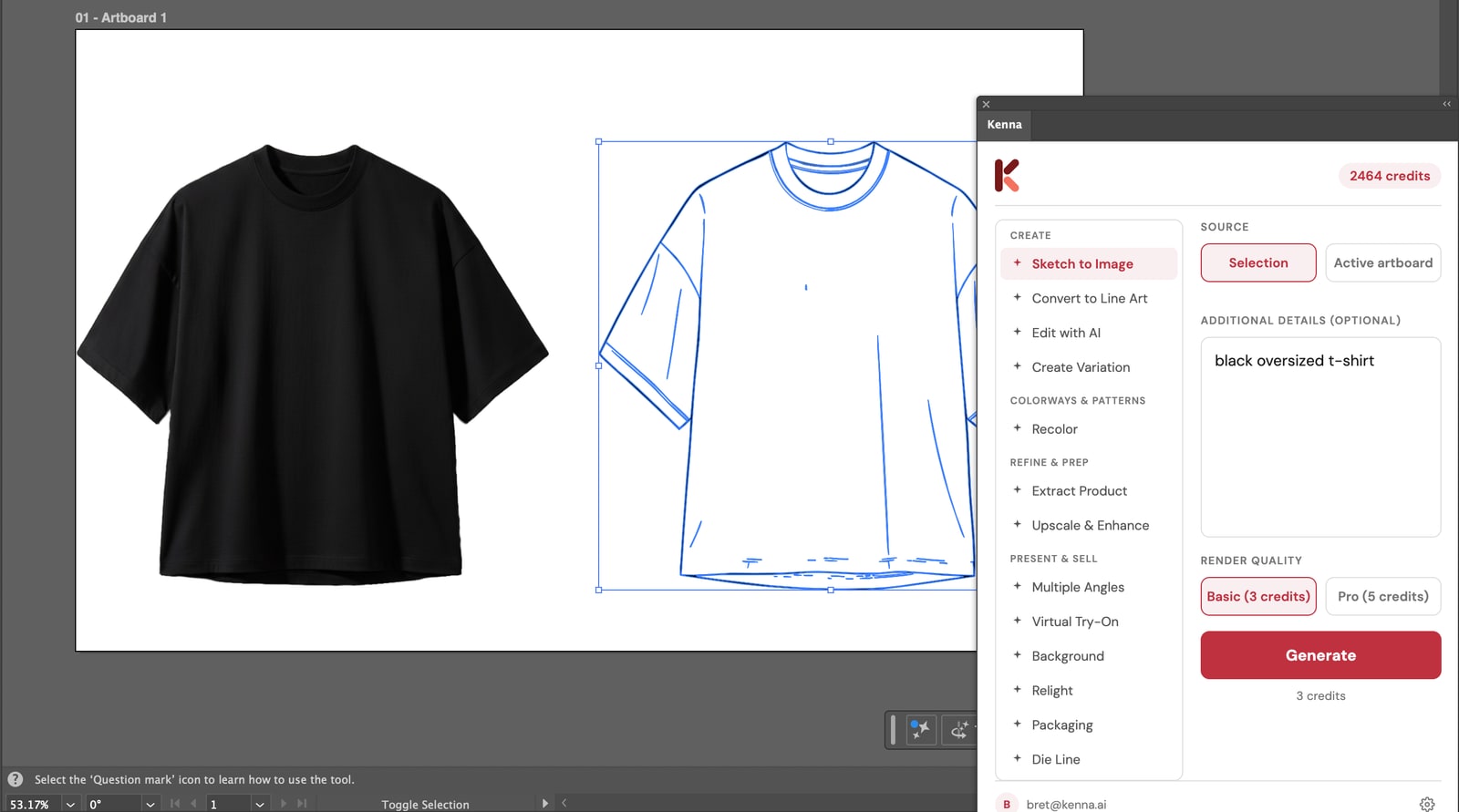
Kenna panel inside Adobe Illustrator: a t-shirt line sketch selected on the artboard and its photorealistic render beside it

Team seats & shared creditsAdmin consoleCollaborative BoardsAdobe pluginsPriority support

Every tool feeds the next.

One design. Zero re-uploads. This is what a connected AI studio looks like.
Sketch

Sketch
Upload

Render

Render
Sketch to Image

Fabric

Pattern
Seamless Pattern

Applied

Apply
Apply Pattern

Variation

Variation
Create Variation

Multiple Angles

Angles
Multiple Angles

Try-On

Try-On
Virtual Try-On

Campaign

Campaign
Relight

One design. Zero re-uploads.
Each result flows directly into the next tool via drag-and-drop.

Other AI tools

Upload

Generate

Download

Re-upload

Generate

Download

Siloed tools. Each one starts from scratch. You download, re-upload, lose context, repeat. Five tools means five apps, five logins, five exports.

Kenna AI

Sketch

Render

Extract

Pattern

Apply

Done

Every tool feeds the next. Drag a result into a new tool. No downloads, no re-uploads, no context lost. One studio from concept to campaign.

See it in action

🤝
In the showroom

Buyer wants a revision? Done before they leave.

A buyer asks “Can I see that in navy?” or “What about a floral?” Recolor, swap the pattern, and show the updated product on a model. All while they’re still in the room.

Recolor

Apply Pattern

Virtual Try-On

✏️
Pitching a collection

From napkin sketch to lookbook in an afternoon.

Turn rough sketches into photorealistic renders, generating prints from your assets, apply them across silhouettes, and produce a full multi-view catalog. Skip the sample room.

Sketch to Image

Apply Pattern

Multiple Angles

📦
E-commerce launch

Full product page assets. Zero photoshoots.

Extract the product from any background, generate studio and lifestyle shots, add virtual try-ons, and relight for web. Every asset your product page needs from a single image.

Extract Product

Background

Relight

Everything you need. Nothing you don’t.

Nineteen tools, organized the way you actually work — from first sketch to the shelf.
✏️

Create

5 tools

  • Sketch to Image
  • Generate
  • Convert to Line Art
  • Edit with AI
  • Create Variation
🎨

Colorways & Patterns

5 tools

  • Recolor
  • Seamless Pattern
  • Apply Pattern
  • Line Builder
  • Color Extractor

Refine & Prep

4 tools

  • Extract Product
  • Extract Graphics
  • Remove Branding
  • Upscale & Enhance
📸

Present & Sell

5 tools

  • Multiple Angles
  • Virtual Try-On
  • Background
  • Relight
  • Packaging

Simple pricing

Start free. Scale when you’re ready.

Every plan includes every tool. No feature gates.

Free

$0
/month
30 credits to start
  • Every tool included
  • Try every workflow

Start Free

Starter

$29
/month
500 credits/month
  • Every tool included
  • Unlimited projects

Get Started

Team

$99
/month
3,500 credits/month
  • Every tool included
  • Team management
  • Priority support
  • Admin console

Start Team

Everything else you’re wondering

What’s a credit?

Most renders cost 3 credits. Pro modes cost 5, and high-resolution exports cost 10 (2K) or 18 (4K). A free account starts with 30 credits — roughly ten renders — and your very first render is free, on us.

Do I own what I create?

Yes. Everything you generate is yours, including for commercial use, on every plan — free included.

What file formats work?

Upload PNG, JPG, or WebP. Precision Recolor also accepts .ai and .svg flats for exact hex and Pantone control, and you can export PNG or vector SVG.

Do credits roll over?

Monthly plan credits reset each billing cycle. One-time credit packs never expire and carry over until used.

Does it work inside Illustrator or Photoshop?

Yes — Kenna’s Adobe plugins render your selection photorealistically and return the result straight into your working file.

Can I cancel anytime?

Anytime, self-serve, no calls. You keep access through the end of your billing period.

Need a custom plan?

For teams of 10+, enterprise features, or volume pricing.

Your first render is free.

Upload a sketch and watch it become a product — in about 10 seconds.

Start Free – 30 Credits

No credit card required · Every tool on every plan